Every missed follow-up is a revenue leak.
Alyvon Marketing Hub gives you the CRM, automations, and AI Employee that keep leads moving after the first form fill, missed call, or booked meeting.
The lead arrived. Then nothing happened.
A form fills at 9pm. A call gets missed during a demo. A meeting gets booked and never confirmed. Every one of those is a lead that cools while the follow-up waits on someone to remember. Marketing Hub makes the follow-up automatic and the record complete.
Three parts, one system
CRM
One record for every lead, from first contact to close — capture, stage, and hand off without losing context.
Automations
Follow-up that runs on time without someone remembering — missed-call text-back, nurture, reminders, reactivation.
AI Employee
A trained front-line assistant that answers routine questions, qualifies leads, and books meetings — and escalates the rest.
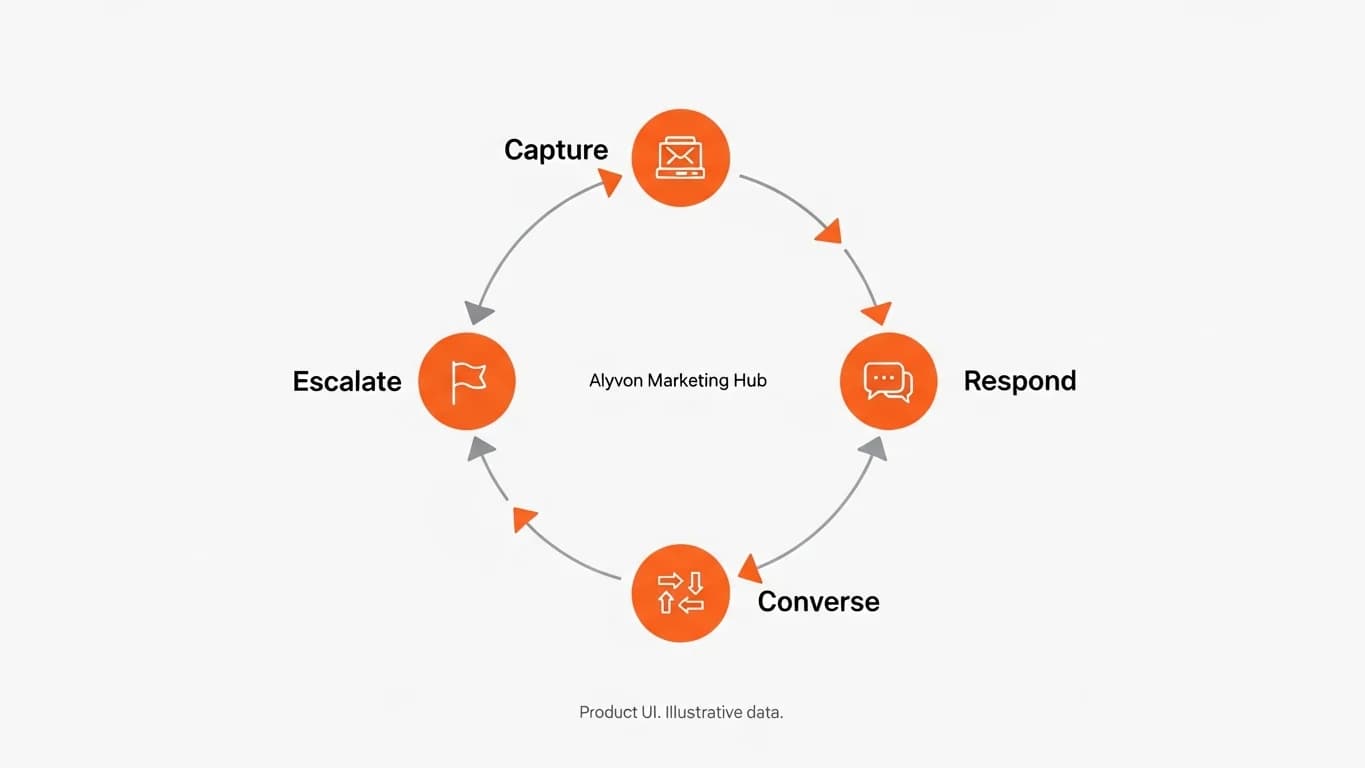
How the loop works
- Capture. The lead lands in the CRM with its source and context.
- Respond. Automations fire on the event — a text-back, a reminder, a nurture.
- Converse. The AI Employee answers routine questions and books the meeting.
- Escalate. Anything outside the approved knowledge base routes to a human.
What teams run on it
Recover a missed call with an instant text-back
Nurture a new lead until it’s ready to talk
Confirm and remind bookings to cut no-shows
Reactivate a stale pipeline segment
Qualify inbound before it reaches a rep
Request reviews after a win
Pricing
Marketing Hub pricing depends on your CRM setup, automation volume, AI Employee scope, and the systems you need connected. We scope it with you on a walkthrough.
Frequently asked questions
Marketing Hub is the operating layer for leads and conversations: a CRM, follow-up automations, and an AI Employee that keep leads moving after the first form fill, missed call, or booked meeting.
Put your follow-up on a system.
See the CRM, automations, and AI Employee working together on a walkthrough.